

Neck Pain Relief & Better Sleep Guide
Expert tips, guides & sleep wellness advice to help you wake up refreshed every day.
Neck Pain Relief & Better Sleep Guide
Expert tips, guides & sleep wellness advice to help you wake up refreshed every day.
Best Sitting Posture Tips for Long Work-From-Home Hours
Working from home traded the commute for more hours in a chair — often one that wasn't designed with posture in mind. Even a solid setup can quietly slip out of alignment — a few recurring signs are worth watching for.
Why WFH Posture Needs Extra Attention
Office ergonomics were built around dedicated workstations. Home setups are often improvised — a dining chair, a laptop on a coffee table — which puts extra strain on posture that a proper desk setup would otherwise prevent.
Why it matters
Without the natural movement breaks that come from commuting, walking to meetings or grabbing coffee with colleagues, WFH days often mean longer uninterrupted stretches in the same seated position.
The combination of improvised furniture and fewer built-in breaks makes intentional posture habits more important, not less.
Setting Up Your Workspace Correctly
A few adjustments to your existing setup can meaningfully reduce posture strain, even without buying new furniture.
Quick setup fixes
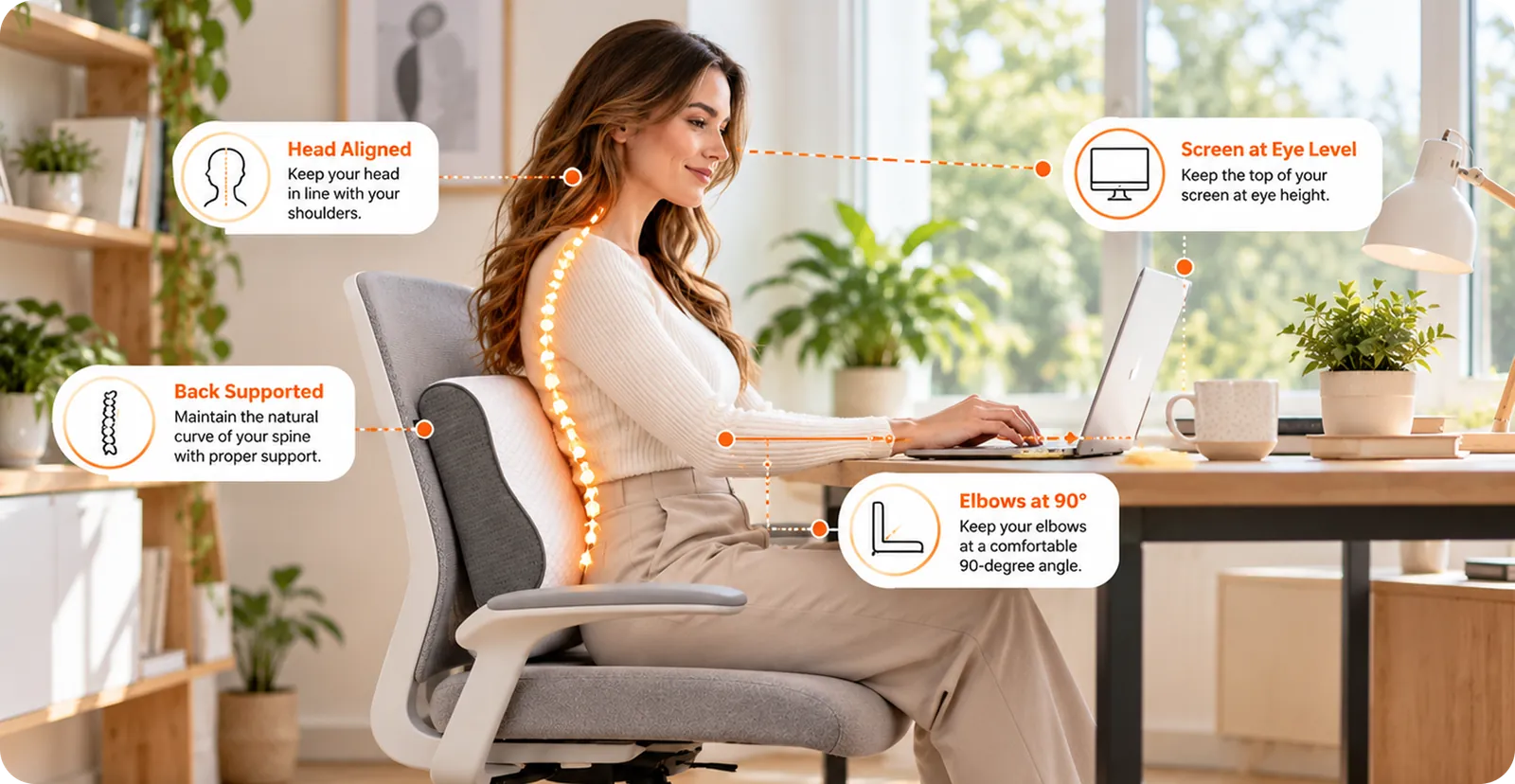
- Screen at eye level: Prop your laptop or monitor so the top of the screen sits at eye height.
- Feet flat on the floor: Avoid dangling or crossed legs, which throw off spinal alignment.
- Elbows at 90 degrees: Keep forearms roughly parallel to the floor while typing.
- Lower back support: Use a cushion or rolled towel if your chair lacks built-in lumbar support.
None of these require new furniture — just adjusting what you already have.
Building Movement Into Your Day
Even a perfect setup doesn't eliminate the need for regular movement — sitting in any position for too long causes strain.
How to stay consistent
Set a recurring reminder to stand, stretch or walk for a few minutes every hour. Take calls standing or walking when possible. And make sure your evenings include proper neck and spine support during sleep, since daytime posture habits can be undone by poor overnight alignment.
Posture care works best as an all-day habit, not something confined to work hours alone.
Signs Your Setup Still Needs Work
Even with good intentions, it's easy to slip back into old habits without realizing it — a few recurring symptoms are worth treating as a signal to reassess.
Watch for these
- End-of-day neck tightness: A consistent pattern suggests screen height or chair support needs adjusting.
- Lower back fatigue: Often points to missing lumbar support or slouching over time.
- Shoulder tension: Can indicate a desk or chair height mismatch.
- Frequent shifting in your seat: A sign your current position isn't sustainable for long periods.
If any of these show up regularly, it's worth revisiting your setup rather than assuming it's just part of working from home.
Choosing the Right Chair If You're Upgrading
If adjustments to your current setup aren't enough, a chair upgrade is often the single highest-impact change for WFH posture.
What to prioritize
- Adjustable lumbar support: Should match the natural curve of your lower back, not just add general cushioning.
- Seat height range: Needs to let your feet sit flat with knees at roughly hip height.
- Armrest adjustability: Prevents shoulder shrugging or reaching that strains the neck over time.
- Seat depth: Should leave a few inches between the back of your knees and the seat edge.
A well-fitted chair won't fix posture on its own, but it removes one of the biggest daily obstacles to maintaining it.
Small Setup Changes, Real Relief
Good WFH posture doesn't require an expensive ergonomic overhaul — just intentional adjustments to your existing setup and regular movement throughout the day. Combined with proper support overnight, these habits can meaningfully reduce the neck and back strain that comes with long hours at a home desk. A quick posture check every few weeks, especially after rearranging your space, helps catch small drifts before they turn into consistent discomfort. None of this needs to be perfect from day one — small, consistent improvements to your setup and habits compound into a workday that no longer leaves your neck and back sore by evening. Revisit your setup any time your routine changes significantly — a new desk, a new chair, or even a new laptop can shift the ergonomics enough to warrant a second look. To ease the end-of-day tightness in your neck and shoulders, try a neck and shoulder massager.
Your home workspace should support your posture, not quietly work against it all day.
Search Blogs
Categories


Stay Updated With Sleep Tips & Offers
Join our newsletter and get expert sleep tips, new product updates & exclusive offers.
No spam, ever. Unsubscribe anytime.

Related Blogs
Keep reading for more tips on better sleep, posture and neck comfort.
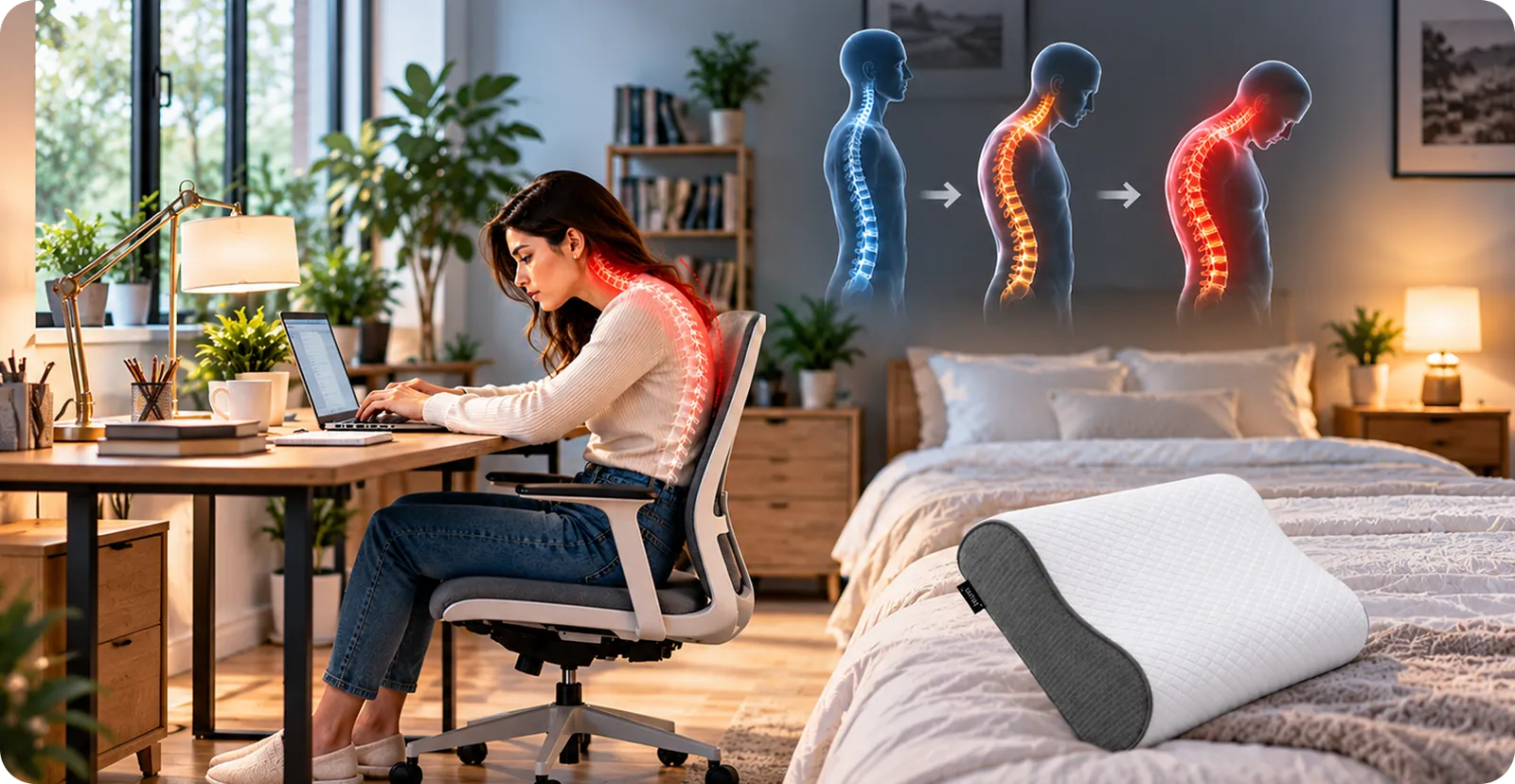
How Bad Posture Silently Damages Your Spine Over Time
Slouching feels harmless in the moment, but over years it reshapes your spine. Learn the long-term effects of bad posture and how to reverse the damage.
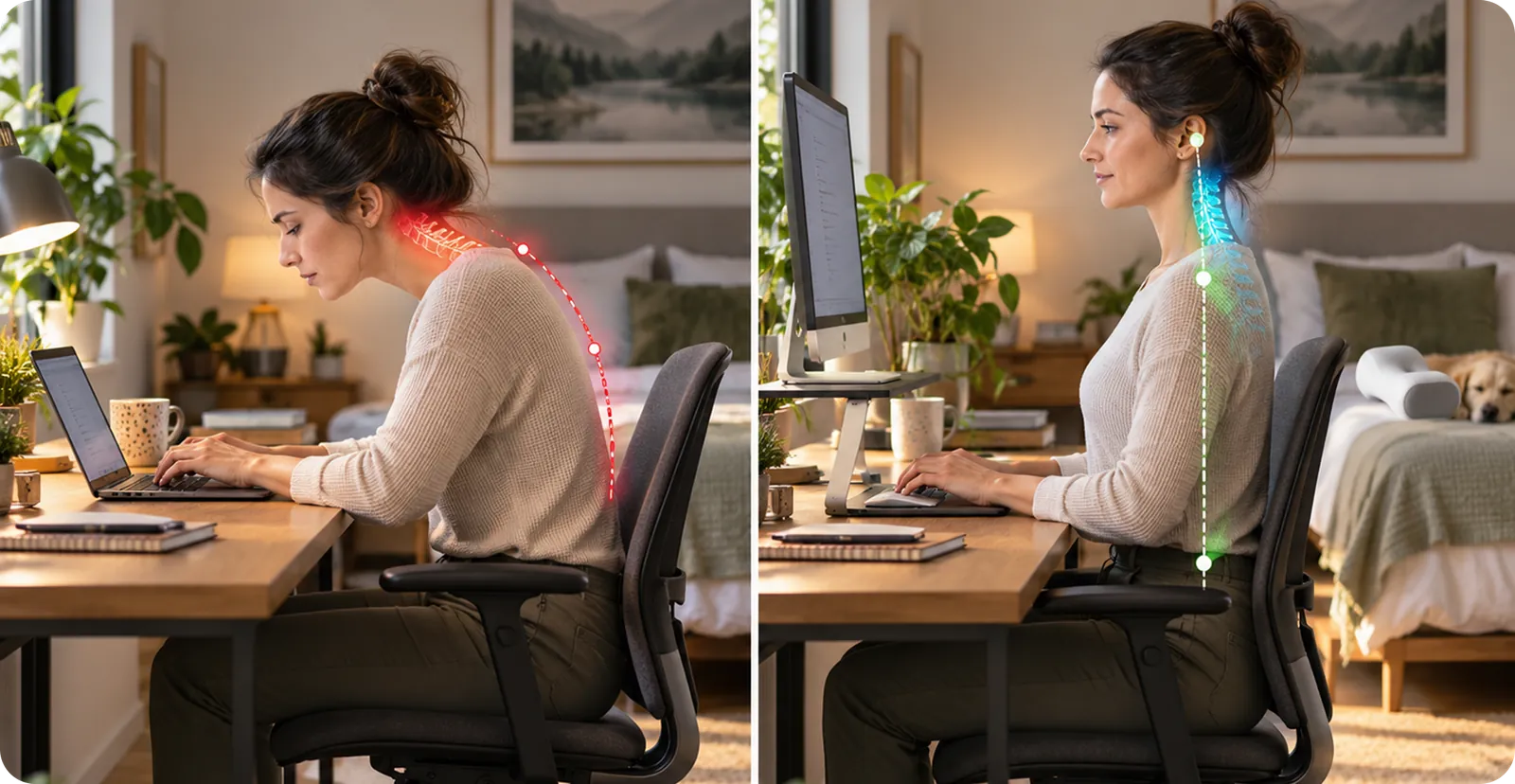
Forward Head Posture: What It Is and How to Correct It
Forward head posture strains your neck and spine more than you'd think. Learn what causes it, how to spot it, and exercises to correct it.

How Sleep Quality Affects Your Immune System and Daily Energy
Poor sleep does more than tire you out — it weakens immunity and drains daily energy. Learn how sleep quality impacts your health and how to improve it.

Text Neck Syndrome: Causes, Symptoms and How to Fix It
Constant phone use can cause 'text neck.' Learn the symptoms of text neck syndrome, what causes it, and practical ways to relieve and prevent it.
Frequently Asked Questions
See what our customers have to say.
Wake Up With Better Neck Support
Premium memory foam bed pillow designed for comfortable, everyday neck support and restful sleep.
Explore Bed Pillow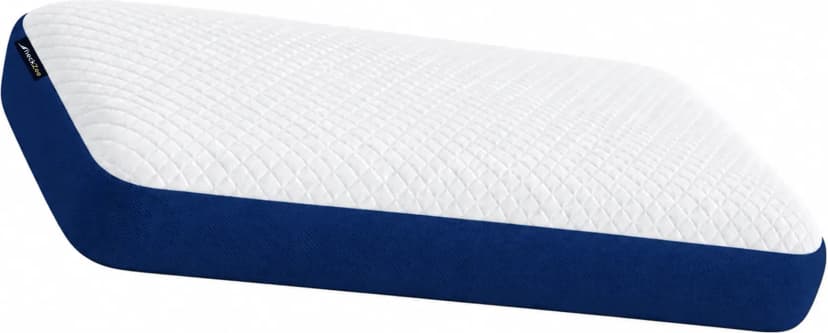

Free Shipping
Pan India

7 Days
Money Back

Secure Payment
UPI & Cards

Designed for
Better Sleep